

building website, creating a website, google web designer, internet design, web design, web design company, web designer, web page design, website builder, website design
Building Your First Website with Wix (Step-by-Step Guide for Beginners)
Today, I’ll show you how to easily create your first website using Wix, which is free for basic use. We’ll go through choosing designs, adding text, and uploading images and logos.
By the end of this guide, you’ll be ready to launch your own site.
Signing Up and Starting on Wix
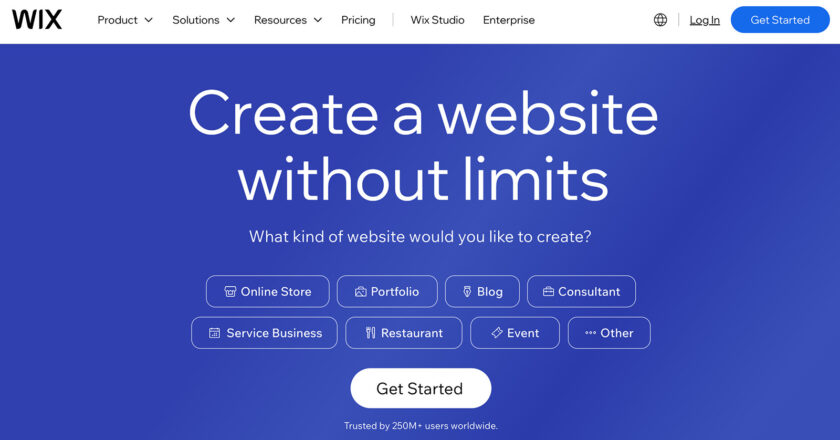
First, visit Wix.com and sign up for an account to get started.
After you create your account, Wix will prompt you with a few questions to help tailor the setup process. Although Wix offers to set up your site using AI, we’ll proceed manually today, so I’ll guide you through each step without AI assistance.
Setup your website with, or without AI
Choosing Your Website Type
Next, Wix will ask what type of website you’d like to create.
For this tutorial, we’re setting up a website for a furniture store. Wix of...


